How to share a role without naming your client
What you post on BenchBee, what consultancies see at each step, and when your agency's name comes out.
Using BenchBeePublished on 5 min read
On BenchBee, you post the role with its skills, rate range, location and dates, and your end client is never named, not even after a match is accepted. Your agency's name stays hidden too. Verified IT consultancies with a consultant who fits send you a match request, which tells you who is asking, and you decide. Only when you accept is your agency revealed, and client details are yours to share, under NDA, when you choose. Posting is free, your first 3 accepted matches are free, and after that each accepted match costs one credit.
What you post, and what stays private
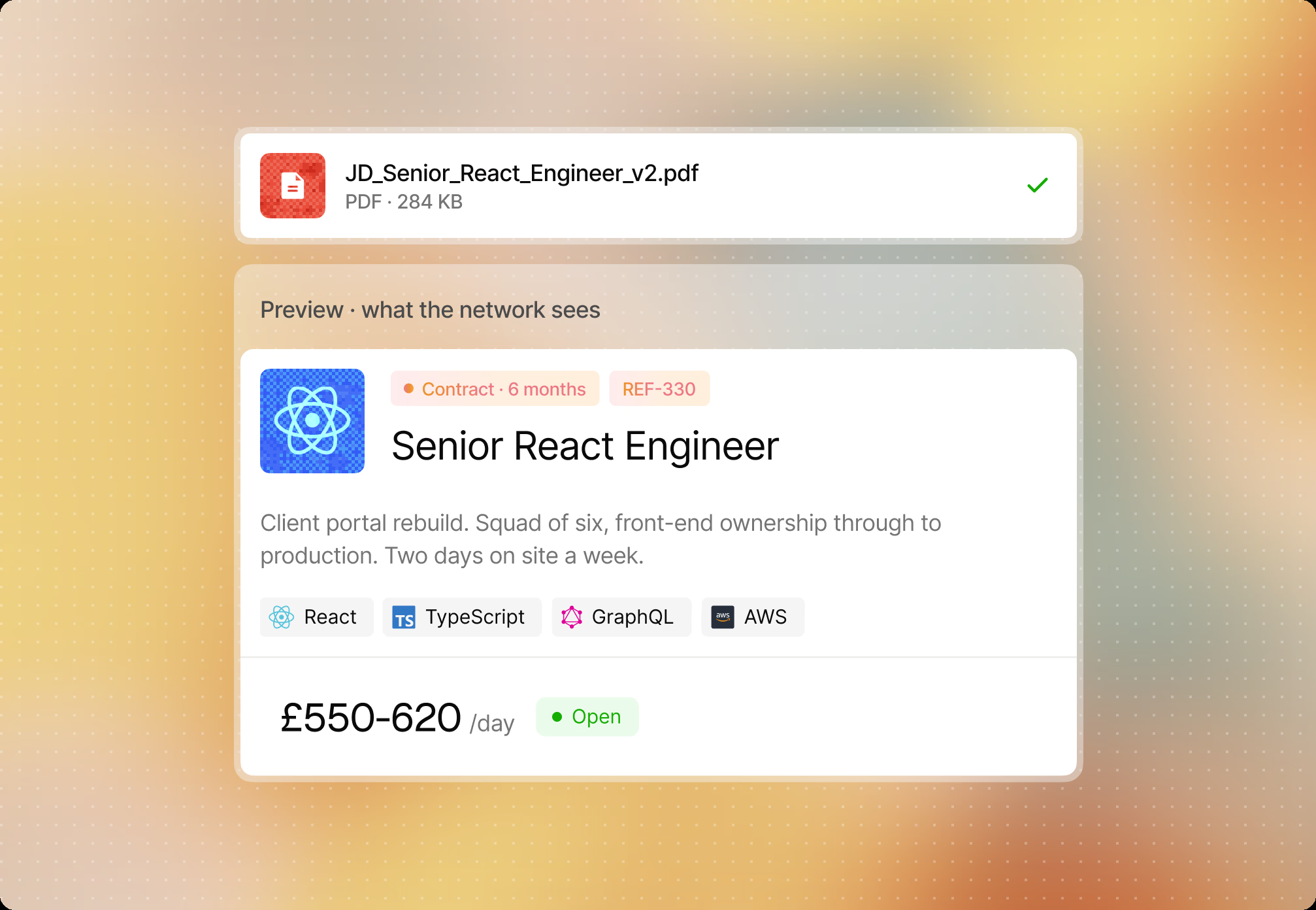
A job on BenchBee describes the work, not the client. You fill in:
- Reference: your own code for the role.
- Role: the job title, such as Senior React Engineer.
- Work mode and location: remote, on site or hybrid, and where.
- Dates: start and end, if you know them.
- Rate range: per day, in your currency. Consultancies read the rate on the card as the rate they bill, so post what you will pay the consultancy, with your margin already taken out.
- Description and requirements: what the consultant will do, and each requirement marked mandatory, preferred or nice to have.
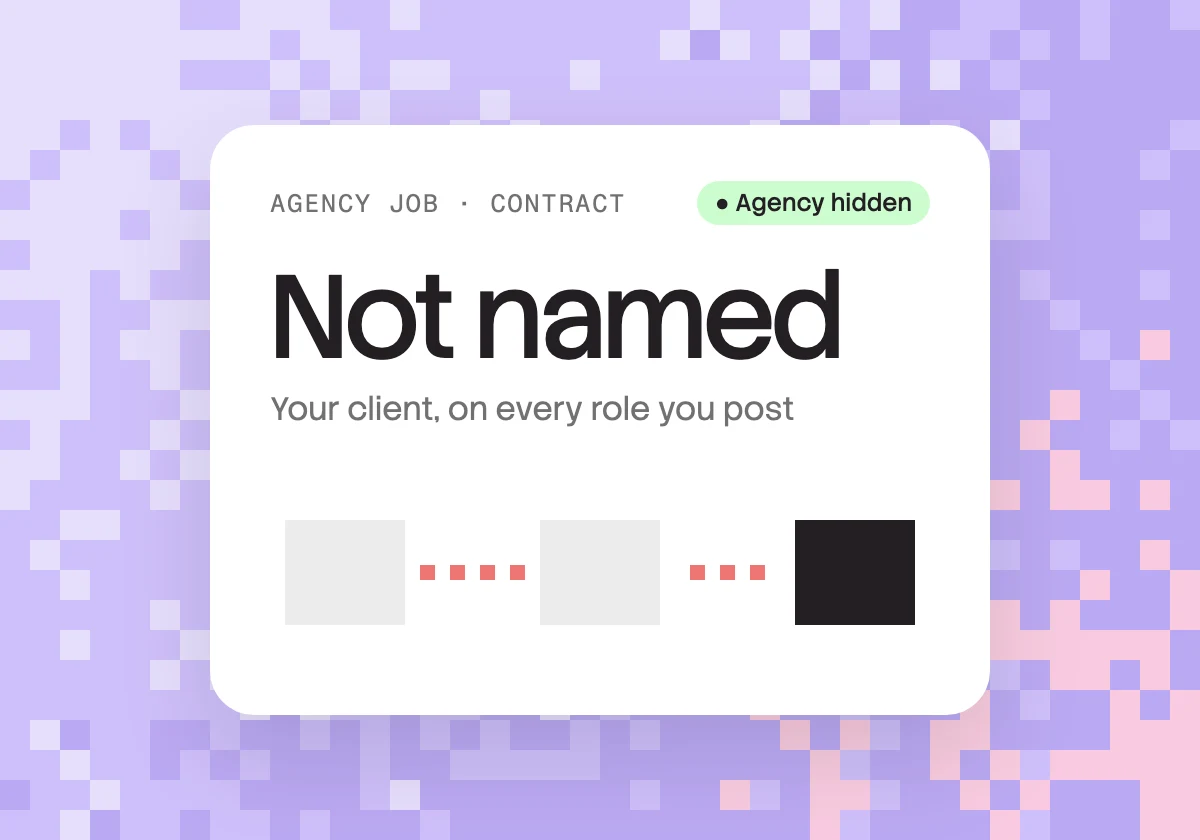
What never appears: your client's name, anywhere on BenchBee. Your agency's name stays hidden until you accept a match. Consultancies can see that the job was posted by an agency, not which one.
Tip: make sure the client can't be guessed. A name is not the only giveaway. Before you publish, take out:
- project or programme names, and the names of the client's internal tools or teams;
- an exact office address (the city is enough);
- a sector so narrow it points to one company ("financial services", not "a challenger bank in Leeds");
- anything copied from the client's own careers page.
Step by step: posting the role
- Sign up as an agency. Agencies have their own portal, with its own rules.
- Import the job description, or fill it in by hand. The import fills in the role, description and requirements; check them.
- Set the details: reference, work mode, location, dates and rate range.
- Mark each requirement mandatory, preferred or nice to have. Mandatory items are what a consultancy checks first.
- Read the listing as a stranger would. If anything points to the client, remove it.
- Publish. The role is now visible to verified IT consultancies in the UK, Europe and the GCC, and requests reach you by email and in the app.
What a consultancy sees, and when
The reveal follows one rule: a request reveals the sender, accepting reveals both. Your client is not part of it.

| Moment | What the consultancy sees | What you see |
|---|---|---|
| You post | The role, requirements, rate range, work mode, location and dates, and that an agency posted it | Nothing yet: you wait for requests |
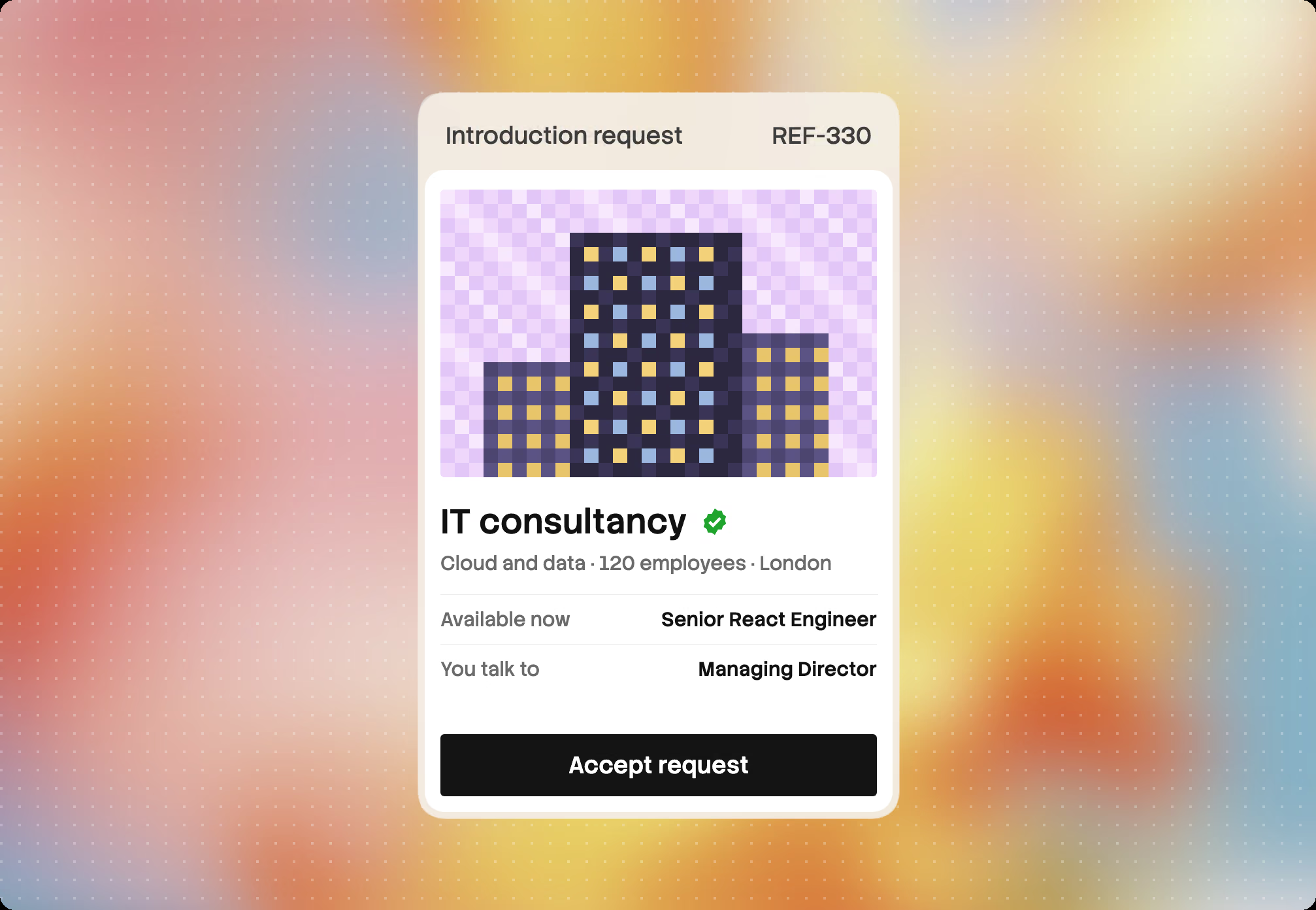
| A consultancy sends a match request | Nothing more about you | Who is asking, and the profile of their available consultant: skills, seniority, availability |
| You accept | Your agency, your profile and who to talk to; a chat opens | The consultancy in full, and the consultant's name |
| After that | Your client, only if you tell them, under NDA |
The rest of the network sees none of this. The same rules from both sides: how BenchBee works.
Who can contact you
Only a consultancy with an available consultant who fits your role, and only through a match request on that role. Agencies do not browse profiles or send requests, and nobody on BenchBee can message you out of the blue: a conversation opens only when you accept.
That protects you too. Every request comes from a verified company that read your role and has someone who fits. If one does not fit, decline it, with a reason if you like.
Why these consultants never show up on job boards: Where to find IT consultants who are available now.
What it costs
- Posting is free and unlimited. If nobody matches your role, you have paid nothing.
- Your first 3 accepted matches are free.
- After that, one credit per accepted match, spent when you accept: it buys the introduction.
- Credits never expire. No subscription, no contract, no minimum.
- No commission. BenchBee takes nothing from the deal: the placement fee is yours, in full.
Credit prices and packs are on the pricing page.
After you accept
You are introduced: a chat opens on BenchBee, and its history stays available to both firms. Interviews are arranged between you and the consultancy. The rate, the NDA and the contract are agreed between the two of you, on your paper; BenchBee is not a party to the contract and takes no commission.
Before you name your client, have the NDA signed, and your terms of business with the consultancy, saying what counts as an introduction and what happens if the consultancy deals with your client directly. This is not legal advice. What runs between the two firms after a match: After the match: contracts, NDAs and payments stay between the two firms.
Sources: BenchBee's rules for agency jobs, as of October 2026. The job shown in the pictures is illustrative.